Investigations
What to monitor after a site migration
A practical signal ladder for finding migration faults without mistaking expected search movement for failure.
The first few days after a site migration can feel messy. Rankings move, traffic changes and Search Console starts reporting a mixture of old and new URLs. Some of that movement is expected while search engines revisit the site. Some of it points to a fault that needs attention.
The useful question isn’t simply ‘Has traffic fallen?’ Ask ‘Which signal first stopped matching the migration plan?’ instead. That change keeps the diagnosis focused on the cause rather than its eventual effect.
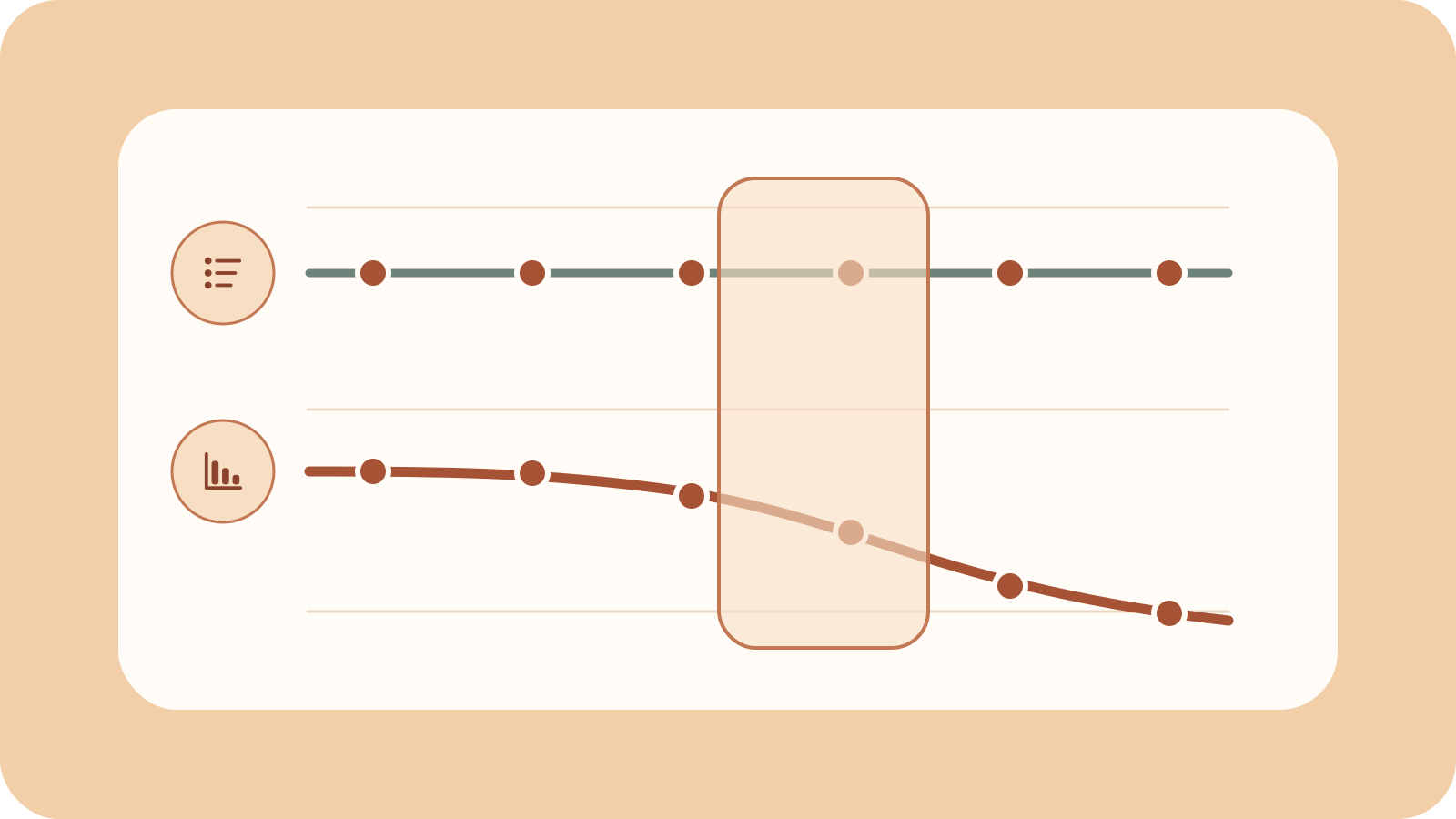
Read migration signals in order
A migration creates a chain. A search engine must reach an old URL, follow its redirect and crawl the new page before it can decide how to index that page. Search visibility sits at the end of the chain.

These signals don’t move at the same speed. You can test redirects as soon as the migration goes live, while crawl and indexing data take longer to appear. Rankings and organic visits sit furthest from the technical change, so they need the most context.
Start with the earliest evidence and move forward only when it looks healthy. If redirects are wrong, there is little value in debating a ranking change.
Establish the baseline before launch
You need something to compare the new site with. Before launch, record which URLs will move, where each one should land and which pages should remain eligible for indexing. This turns the migration plan into a baseline you can test.
At minimum, keep:
- A list of important old URLs and their intended destinations.
- Pre-launch response codes, canonicals and indexability rules.
- XML sitemap counts for each important page type.
- Search Console clicks, impressions and indexed-page trends.
- Organic sessions and useful actions by landing-page group.
- Crawl data for the old and new hosts, where logs are available.
Group pages by their template or purpose instead of watching only the site total. Product pages, guides and location pages can behave differently after the same migration. A steady total may hide a broken section. A small decline may also be harmless if low-value URLs were removed on purpose.
The redirect map is part of this baseline. Every important old URL needs a clear outcome. Send a moved page to its closest matching destination. If the content has no replacement, return 404 or 410 instead of sending visitors to an unrelated page. Google’s site move guidance recommends permanent redirects for moved pages and clear error responses for removed content.
Layer 1: redirects and responses
Redirects provide the first live evidence because you can test them straight away. Check a broad sample from the redirect map, with extra attention on high-traffic pages and each main template.
Check that:
- Each old URL returns one permanent redirect to the intended new URL.
- Redirects preserve useful paths and parameters where required.
- The final page returns the expected
200response. - There are no loops, chains or unexpected hops.
- Removed pages return the planned
404or410response. - Canonical links on new pages point to the final preferred URL.
Don’t stop at the status code. A 301 can still lead to the homepage, a soft 404 or the wrong language version. Record the final destination and check the page it returns. A technically valid redirect can still be a poor match.
Watch server errors and response times too. A migration can increase crawler demand while the new infrastructure is still settling. Google notes that it may crawl a new site more heavily after a move. If 5xx errors or timeouts rise at the same time, search engines may take longer to process the change.
What this means in practice is simple: if this layer fails, pause the deeper diagnosis. Rankings can’t explain a redirect that points to the wrong place.
Layer 2: crawling
Once the redirects and final pages work, check whether search crawlers are finding the new URLs. Crawling is the discovery step. If a search engine rarely requests an important new section, it has little chance to process the pages within it.
The Crawl Stats report shows request volume, host availability, response codes and response time. Use it to spot broad trends. Its example URLs aren’t a complete record, so server or CDN logs offer more detail when you have access to them.
Look for crawl activity moving from old URLs towards new ones. Requests to the old site will continue because search engines need to revisit its redirects. Requests to the important parts of the new site should gradually grow.
Investigate patterns such as:
- Googlebot repeatedly reaches old URLs but rarely requests their destinations.
- Important new sections receive little or no crawl activity.
- Crawl volume rises alongside slower responses or more server errors.
- Robots.txt, firewall or CDN rules block the new host or key resources.
- Internal links and XML sitemaps still favour old URLs.
A lack of crawling doesn’t automatically mean you need another submission tool. Check discovery first. New URLs should appear in updated sitemaps and normal crawlable links. IndexNow can notify participating search engines about changes, although a notification doesn’t guarantee crawling or indexing.
If the new pages aren’t being found, fix their discovery and access before looking at index coverage or rankings. Those later reports can’t become healthy until crawlers reach the pages.
Layer 3: indexing and canonical selection
Indexing evidence becomes useful after crawlers have reached the new pages. You don’t need every URL in Google’s index. You do need the important new pages to replace their old versions in a pattern that matches the migration plan.
Use the Page Indexing report for the wider trend and URL Inspection for important examples. Compare the canonical URL declared by the site with the one Google selected. In plain terms, you are checking whether Google agrees about which version should represent the content.
The following patterns deserve investigation:
| Observation | What to check next |
|---|---|
| Old URLs remain indexed | Confirm the redirect is permanent, direct and stable. |
| New URLs are crawled but not indexed | Review canonicals, robots rules, duplication and content returned to Google. |
| Google selects an old or unrelated canonical | Compare internal links, sitemap entries, redirects and page similarity. |
| One template lags behind the others | Test its rendered HTML, indexability rules and shared dependencies. |
| Indexed counts fall after planned removals | Compare the change with the migration inventory before treating it as a fault. |
Don’t expect every old URL to be replaced at once. Google’s documentation says indexing can take days or weeks. Its traffic-drop guidance says a medium-sized site may take a few weeks to move in Google’s index, while larger sites can take longer. Treat those times as context rather than a deadline.
The practical question isn’t ‘Has every URL switched?’ It’s ‘Are the important page groups moving in the right direction without a clear technical fault?’
Layer 4: visibility and outcomes
Clicks, impressions, rankings and organic sessions matter, but they are lagging signals. They show the outcome after many other factors have had an effect, including crawling, indexing, search demand, competitors and changes to the page itself.
Use Search Console to understand performance in Google Search and analytics to see what visitors did after reaching the site. Google explains why clicks and sessions differ, so don’t expect the two systems to report identical totals.
Compare trends by page group, search type, country and device. Keep branded and non-branded searches separate where possible. A new site structure may change which pages earn impressions even when the overall total stays stable.
Watch for:
- A broad decline that follows crawl or indexing failures.
- A sharp loss isolated to one template or directory.
- Impressions recovering while clicks remain lower because query mix changed.
- Stable Search Console clicks but fewer analytics sessions, which may point to tracking or consent changes.
- Traffic reaching the new pages without the expected enquiries, sales or other useful actions.
Visibility becomes useful when you link it back to earlier evidence. A page group with healthy redirects, crawling and indexing needs a different investigation from one that search engines can’t reach. This is why a traffic decline should be the start of a question, not the diagnosis.
Use a time-aware triage view
Not every signal should trigger the same response on the same day. Record what you observed, then consider how far that signal sits from the migration itself.

| Signal | Earliest useful check | Strong reason to investigate |
|---|---|---|
| Redirect destination | Immediately | Important URLs land on the wrong page, loop or fail. |
| Final response | Immediately | New pages return persistent errors, challenges or empty content. |
| Crawl activity | After bots can revisit the change | Important sections remain undiscovered or host errors rise. |
| Indexing and canonicals | After crawling begins | New canonical pages stay excluded or old URLs remain preferred. |
| Search visibility | As recrawling and indexing progress | Losses persist in a clear page or query group and align with an earlier fault. |
| On-site outcomes | Once visits reach the new pages | Users arrive but key actions fall because journeys or tracking changed. |
This table doesn’t promise a fixed recovery time. It shows when each signal becomes useful. The right response still depends on the size of the site, the scale of the migration and the importance of the affected pages.
Keep redirects and ownership signals in place
Monitoring shouldn’t stop as soon as new URLs appear in search. Users, links and search engines will continue requesting old addresses, so the redirects need to remain stable.
For domain moves, Google’s Change of Address guidance says redirects should stay in place for at least 180 days. Keep them longer while they still receive traffic. Google also recommends keeping the old domain for at least a year. The Change of Address tool is for domain or subdomain moves, so it doesn’t apply to every migration.
Keep the old and new Search Console properties verified. Before removing any redirect, check whether the old URL still receives links, referral traffic or crawler requests.
Find the first broken signal
A migration dashboard can contain dozens of charts without giving you an answer. A smaller set of signals, checked in the right order, is often more useful.
When a result looks wrong, trace it backwards. If visibility fell, check indexing. If indexing stalled, check crawling. If crawling didn’t move towards the new URLs, check redirects, discovery and server responses. Stop when you find the first layer that doesn’t match the plan.
This approach won’t remove every unknown, but it will narrow the problem. It helps you separate expected movement from genuine faults and gives each problem a sensible next check.
A simple example
Imagine that organic traffic falls after launch. The traffic change tells you what happened, but it doesn’t tell you why. The signal ladder traces the problem backwards.
The important new pages aren’t earning impressions because they haven’t entered the index. They haven’t entered the index because Googlebot rarely requests them. Googlebot rarely requests them because the site’s main navigation still points to the old URLs.
In this case, the first broken signal is discovery within the crawling layer. More rank tracking won’t make the cause any clearer. Updating the internal links gives search engines a direct path to the new pages and gives you a change you can test.
Use the website migration checklist Work through each layer, save your progress in this browser and return whenever you need it.